
Turn Robot Experiments
into Purposeful Learning
Embodied AI uses a robot’s physical form to perceive its surroundings and act. A lab connects observation, programming, testing and reflection. Match the learning or research objectives to equipment capabilities before deciding on robots, computers and space.
A New Lab
Start with learning or research goals, session formats and team training, then confirm the configuration and implementation scope.
An Existing STEM Space
Retain usable equipment and rooms. Add resources to address programme gaps, with changes guided by what you already have.
Robots You Already Own
Check models, available functions and operating conditions before choosing courses or training.
Plan the Tools
before the Session
Configure development computers with tools such as Python, MuJoCo or NVIDIA Isaac for the selected programme. Confirm hardware requirements, software versions and robot interfaces, then test before training. The exact setup depends on the course and equipment version.
Complete the Task,
Explain the Reasoning
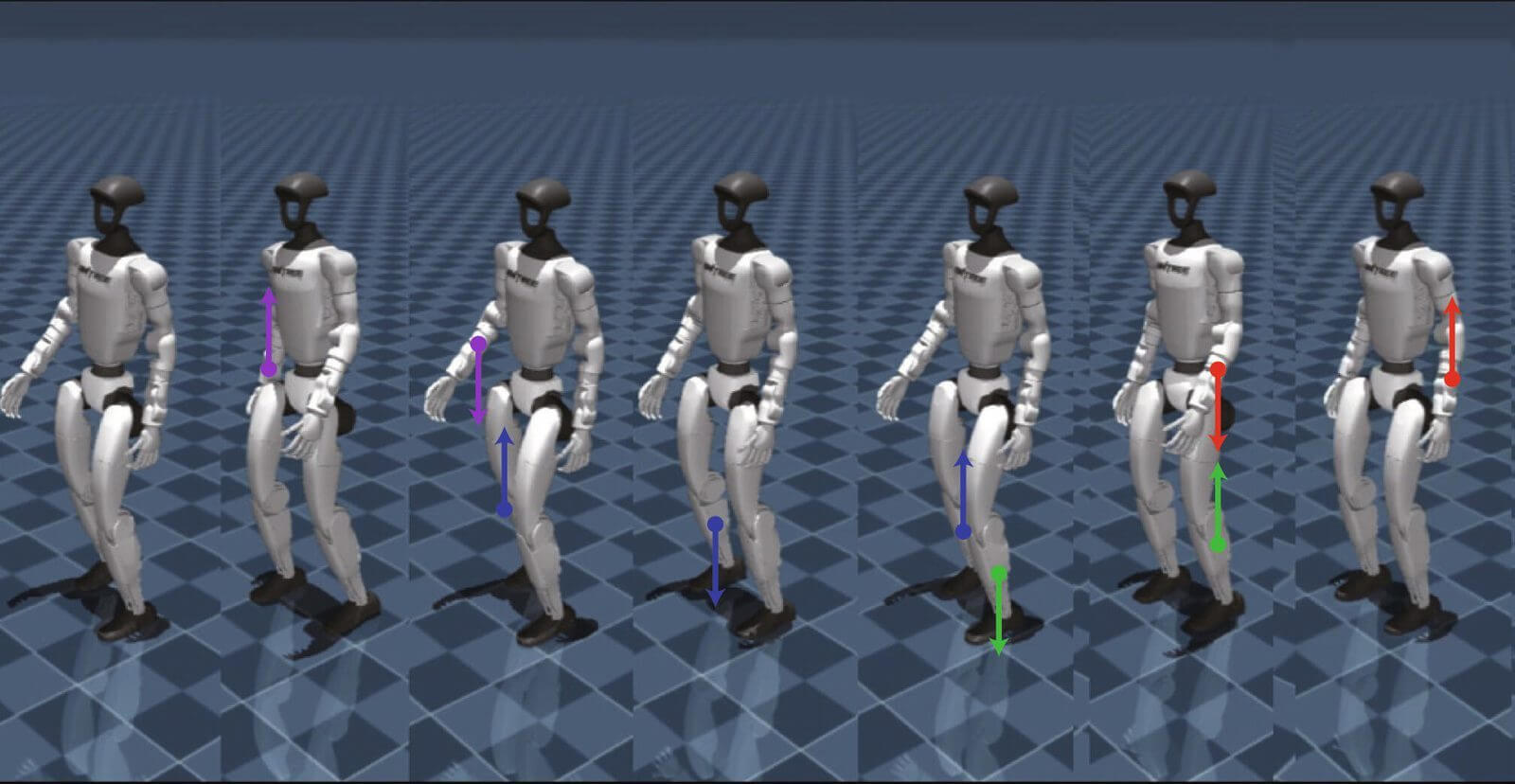
This is a curriculum example, rather than a completed project. Students with programming experience plan a route within a defined area, record tests, compare results and explain their revisions. Tools, movements and difficulty depend on the equipment and safety arrangements.
 Simulation Illustration
 Illustrative learning scenario, not a result from this task
Design & Predict
Map the task sequence and explain the expected movement, completion criteria and safety boundaries.
Test & Record
Use suitable simulation or step-by-step testing, then have the instructor confirm conditions for physical operation. Simulation results require validation on the real robot.
Compare & Explain
Submit the workflow, test record and revision notes. Assess task completion, test methods and the reasoning behind changes.
Four Planning Areas,
Matched to Your Needs
Combine components around existing resources and project needs. You can purchase them in stages. The proposal should identify what is included, your institution’s responsibilities and any specialist work required.
Curriculum & Team Training
Match tasks, hours and assessment to the audience. School programmes include teacher training; university and research teams can select 1-, 3- or 7-day professional routes, with prerequisites matched to the platform.
School & Professional TrainingUnitree Robots & Development Computers
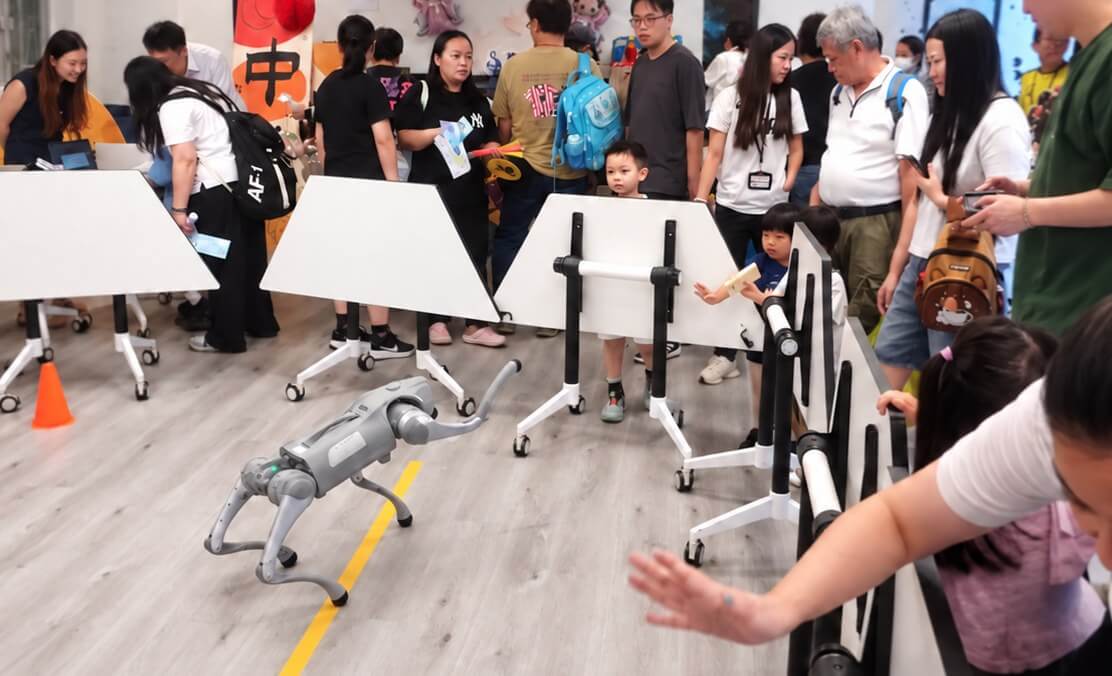
Compare robots such as R1 and Go2, with supporting computers, against your programme. Development interfaces and capabilities vary by version, so confirm requirements before choosing. Existing equipment can be included in the assessment.
AI Computing Centre
Where the curriculum or school platform requires it, assess computing equipment together with VinciOS. This is an optional component. Confirm deployment, data handling and service scope in the proposal.
Explore VinciOSSpace Planning
Work with specialist space-planning partners where needed to plan operation, programming, observation, storage, power and networking. Engineering design, construction and approvals are defined separately for the actual project scope.
Illustrative functional zones. Floor area, circulation and configuration must be confirmed for the site.
Choose the Learning Task,
Then the Equipment
Build the Programme
into a Clear Budget
Separate curriculum, equipment, staff training, space-related work and ongoing operating costs, explaining the purpose of each. Reuse resources that remain suitable.
QEF Planning
- Set objectives around school-based curriculum or student support
- Equipment and related work must serve the project
- Round 17: October 2026 to January 2027
Review First, Then Add
- Existing computers, robots and rooms
- Available funding and its use restrictions
- Avoid duplicate funding for the same item
List Operating Costs Separately
- Maintenance, consumables and battery management
- Software, licences and updates
- Staff handover and equipment-management responsibilities
QEF projects for Hong Kong schools must centre on curriculum development or student support, with equipment and works serving those aims. Start project activities after the funding agreement is signed, and explain the link between equipment use and learning objectives in project reporting. Read the Official Procurement Guidelines (Chinese); eligibility and approval are subject to the fund’s requirements.
Before You Start,
Agree on Four Areas
A clear proposal should explain what your institution is buying, how it will be used, who is responsible and how completion will be assessed.
Programme & Participants
Specify the audience, session tasks, group rotations and expected outputs. For school programmes, map each activity to learning objectives. For professional teams, agree the selected platform and development prerequisites.
Equipment & Environment
Check model versions, development interfaces, computer requirements and site constraints. Test compatibility against the intended tasks before confirming additional equipment.
Responsibilities & Acceptance
Agree pre-session testing, hands-on staff training, operating documentation and acceptance methods. Identify separate responsibilities for equipment, training and any site work.
Costs & Ongoing Support
Itemise one-off costs, recurring licences, consumables and maintenance arrangements. State what is included, who provides support and which costs your institution should budget for separately.
From Equipment Capabilities
to Programmes Your Team Can Use
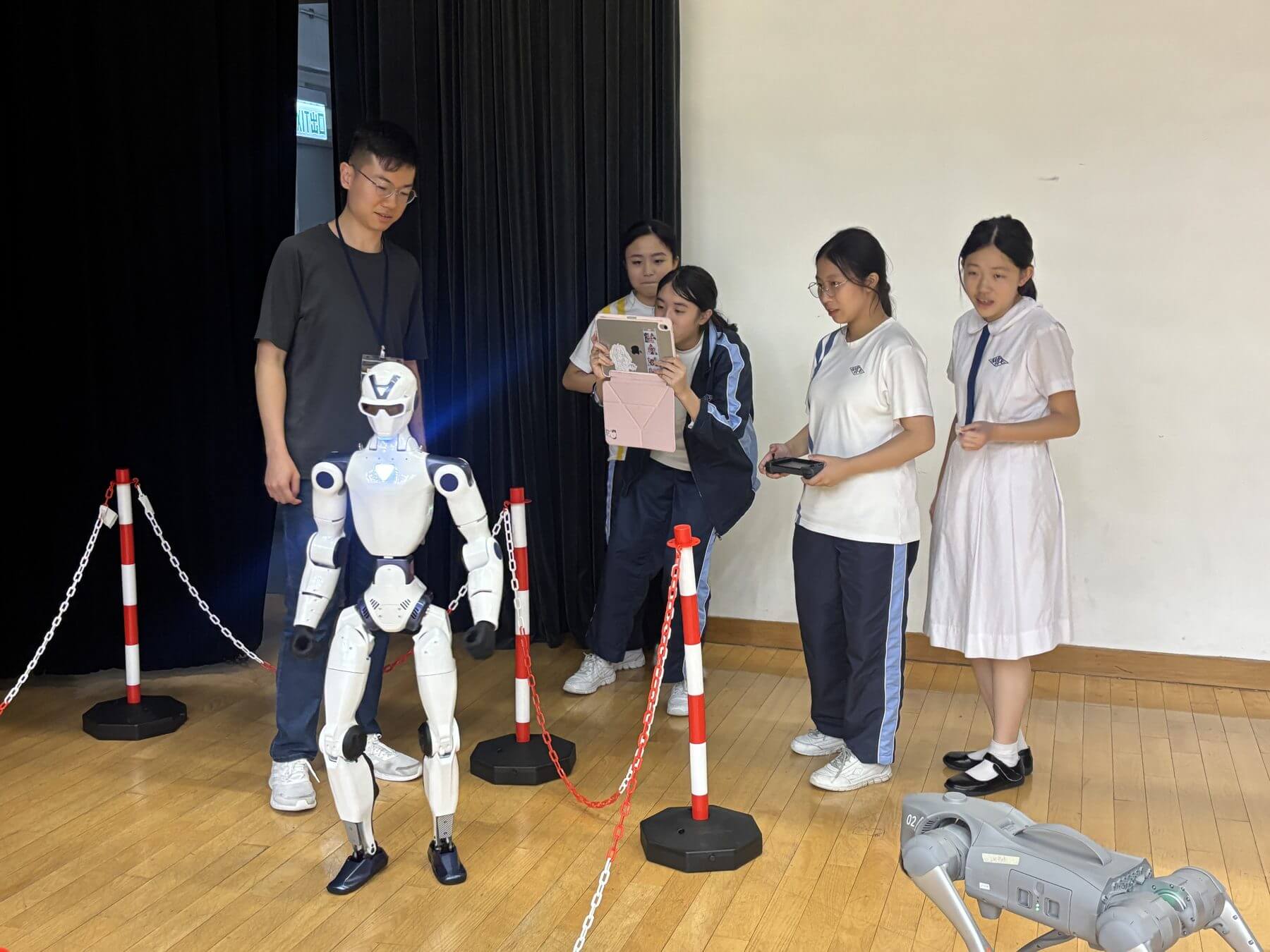
Vinci AI provides AI and robotics courses, instructor training and equipment-planning support. We bring learning tasks and staff needs into the same discussion, so each configuration serves a practical teaching or development purpose.
Clarify Your Questions,
Then Choose the Setup
Does an existing STEM space need refurbishment?
Not necessarily. Review the room, computers, equipment and intended use first, then assess any changes needed to circulation, storage, power, networking or other facilities.
Do primary students need programming experience?
Exploration courses can use instructor-led operation and observation. Programming and advanced development are designed around actual experience, rather than assuming ability from school year alone.
Can every robot version use the same course?
Models and versions can have different development interfaces and capabilities. Check the tools, licences and support required for the programme. Demonstration movements do not mean every version supports custom programming.
Can simulation code go straight onto the robot?
Interfaces, parameters, equipment versions and safety conditions must be checked and tested. Successful simulation alone does not establish physical-robot performance.
Must I also buy VinciOS or an AI computing centre?
These are optional, assessed against curriculum and school-platform needs. Define deployment and data-handling scope in the proposal.
Can Hong Kong schools plan around QEF?
We can discuss a school-based curriculum project, with equipment and related work tied to its objectives. Applications and approval follow the fund’s rules; approval is not guaranteed.
What should I provide before requesting a quote?
Tell us your institution and location, participants’ experience, teaching or research direction, existing equipment and space, timeline and budget range. You can start the discussion while the project is still taking shape.


