
Humanoid robot buying guide for Hong Kong
Unitree G1 vs R1: which should you choose?
Start with the task, then choose the version. Compare R1 for motion demonstrations; explore G1 EDU if you need onboard depth sensing and 3D LiDAR. For grasping research, compare the hand configurations available for both EDU platforms.
Updated: 28 October 2026 · Equipment available separately
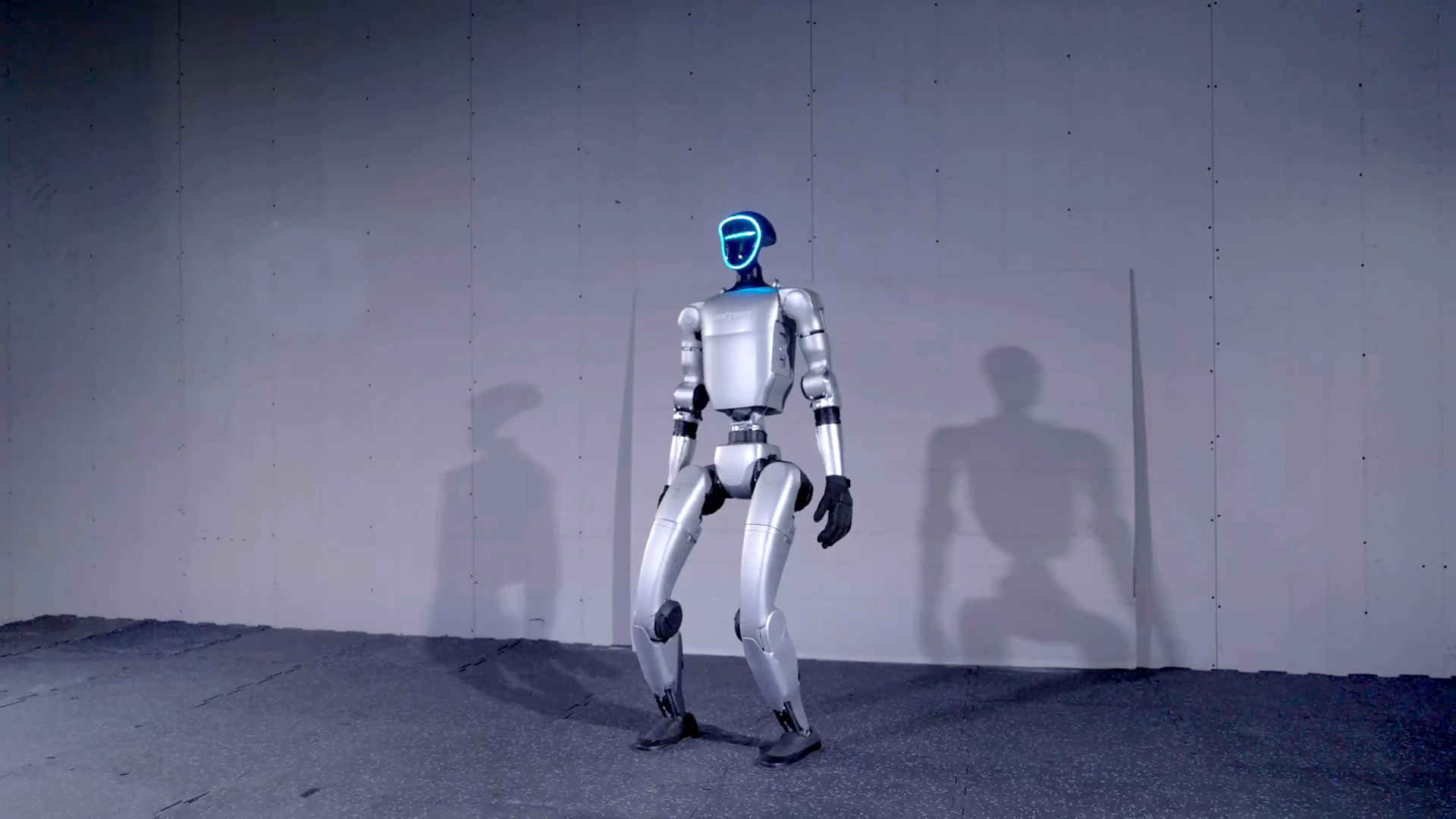
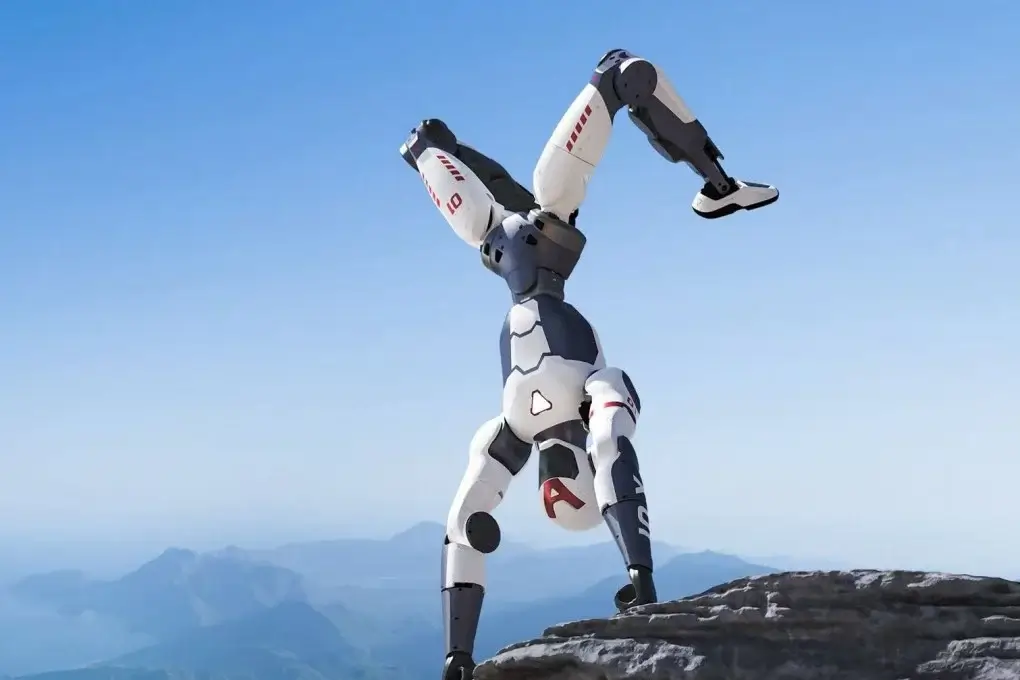
01 · Three starting points
What does your robot need to do?
Motion demonstrations, remote control and introductory experiences
Start by comparing R1 Air and R1. R1 has more joint degrees of freedom than Air and a different camera configuration. If you need to write your own control software, consider EDU directly.
Explore R1 versionsPerception, navigation and humanoid control research
G1 includes a depth camera and 3D LiDAR. G1 EDU supports custom development so these sensors can be used in research. If you already have an external sensing setup, include R1 EDU in your comparison and choose according to interfaces, computing needs and experiment design.
Explore G1 and G1 EDUDexterous hands, grasping and object manipulation
Both G1 EDU and R1 EDU offer optional hand configurations. Define the object sizes, finger movements and sensing requirements first, then compare hands, wrists and computing options. Total degrees of freedom alone are not enough to choose a platform.
Explore hands and accessories02 · Hardware differences that affect your choice
G1 and R1 comparison
| Feature | G1 series | R1 series |
|---|---|---|
| Height | Approx. 1.32 m | Approx. 1.23 m |
| Weight including battery | G1: approx. 35 kg; EDU weight increases with configuration | Air: approx. 27 kg; R1/EDU: approx. 29 kg, depending on configuration |
| Joint degrees of freedom | G1: 23; EDU: 23–43 | Air: 20; R1: 26; EDU: 26–40 |
| Vision and environmental sensing | Depth camera and 3D LiDAR | Air: monocular camera; R1/EDU: binocular camera |
| Custom development | Choose G1 EDU | Choose R1 EDU |
| Dexterous hands | Optional on EDU; confirm hand type and sensing requirements | Optional on EDU; confirm hand type and sensing requirements |
| Battery runtime | Approx. 2 hours | Approx. 1 hour |
The maximum degrees of freedom depend on the selected hands and joint configuration. Not every EDU unit has the highest configuration. Runtime varies with motion, payload and operating conditions.
Both robots need a controlled operating area, transport arrangements and charging facilities. G1 folds for transport, but its approximate 35 kg weight still needs to be considered.
03 · Versions and quotations
Compare demonstration versions and research configurations separately
Compare R1 Air, R1 and G1 for motion demonstrations and hands-on operation. For custom development, compare the sensing, computing and hand configurations of R1 EDU and G1 EDU, then request a quotation based on your research task.
| Version | Quotation | Custom development |
|---|---|---|
| R1 Air | Enquire by configuration | Not supported |
| R1 | Enquire by configuration | Not supported |
| G1 | Enquire by configuration | Not supported |
| R1 EDU/G1 EDU | Enquire by configuration | Supported |
Hong Kong quotations depend on the version, accessories, delivery and any selected training or development services. Tell us your intended use and quantity when enquiring.
G1 / G1 EDU
Confirm depth sensing, hand and wrist configurations, and the computing options needed for development.
Enquire about G1 equipment on WhatsAppR1 Air / R1 / R1 EDU
Confirm whether you need custom development, then compare joint, vision and hand options.
Enquire about R1 equipment on WhatsAppVinci AI · Partnerships and practical experience
From robotics training to industry exchange

AI for All embodied AI workshop
As one of the delivery organisations for Cyberport’s AI for All initiative, Vinci AI used real robots to introduce participants to embodied AI.
Read the full case study
EDB Hangzhou delegation visit to Unitree
Helped Unitree coordinate the Hong Kong Education Bureau delegation’s Hangzhou visit and introduced robotics technology and applications to education representatives.
Read the full case study
World Physical AI Conference
Led a Hong Kong education delegation to Hangzhou for exchanges with Unitree and embodied AI companies from different regions.
Read the full case studyCommon selection questions
Both G1 and R1 have EDU versions. Do they offer the same functions?
EDU indicates that the relevant version supports custom development. It does not mean the sensing, hands, computing or interfaces are the same. Compare each item against your experiment’s requirements.
Do grasping experiments always require G1?
No. Both G1 EDU and R1 EDU offer hand options. Compare the target objects, finger and wrist movements, sensing and computing needed for your models before choosing a robot and hand combination.
Can I buy a base version and use it as an EDU later?
If you already plan to develop your own software, choose EDU directly. Do not assume a software update will give a base version the same development access or hardware. Confirm any upgrade path before buying.
Can I buy the equipment without a course?
Yes. G1 and R1 equipment can be purchased separately, with training and development support selected as needed. You can start by telling us your intended use even if the version, quantity or budget is not yet decided.
Tell us your intended use,
then narrow down the model and configuration
Motion demonstrations, perception research and hand manipulation call for different hardware choices.
Vinci AI · Official Unitree Robotics education and training partner
Technical sources:Unitree G1,Unitree R1. Product images are taken from the corresponding product pages. Information checked: 28 October 2026.


