
Robot dog buying guide for Hong Kong · Go2 versions
Go2 Air, Pro, X and EDU
Which version should you choose?
Choose Air for basic operation and consider Pro for side-follow interaction. Compare X if you need charging-dock support or partial development access. For depth sensing and control research, explore EDU.
The four versions differ in development access, sensors, controllers and battery packages. Compare the configurations first, then distinguish three approaches to programming.
Updated: 28 October 2026
01 · Compare the configurations
What changes from Air to EDU?
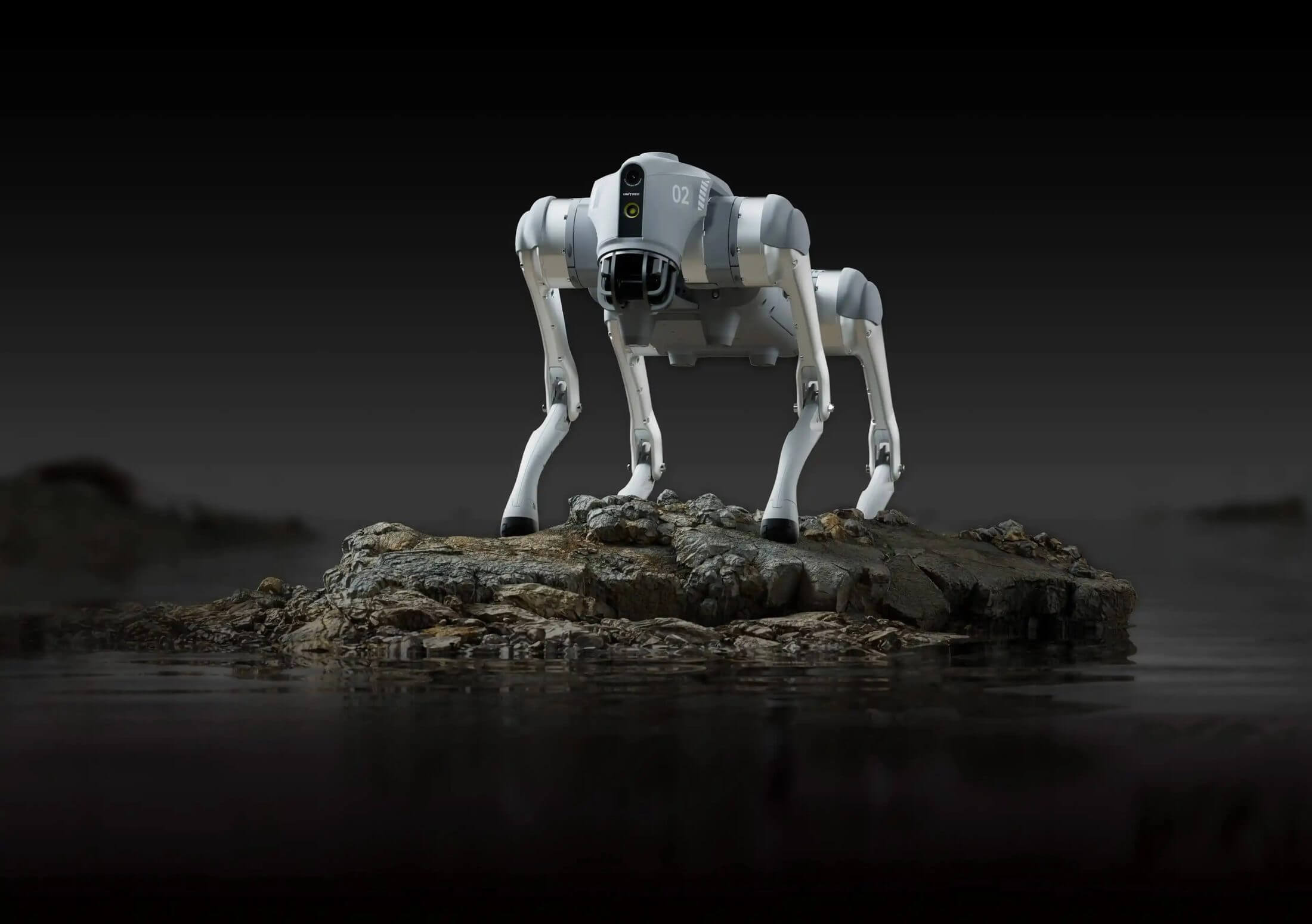
Air, Pro, X and EDU all include a wide-angle camera and 4D LiDAR, with app control and motion sequencing. Pro adds side-follow interaction; X offers partial development support; EDU adds research sensors and supporting equipment.
| Feature / equipment | Air | Pro | X | EDU |
|---|---|---|---|---|
| Side-follow interaction | — | Supported | Supported | Supported |
| Custom development | — | — | Partially supported | Supported |
| Depth camera | — | — | — | Included |
| Foot-end force sensing | — | — | — | Included |
| Handheld controller | Optional | Optional | Included | Included |
| Battery capacity | 8,000 mAh | 8,000 mAh | 8,000 mAh | 15,000 mAh |
| Reference runtime | Approx. 1–2 hours | Approx. 1–2 hours | Approx. 1–2 hours | Approx. 2–4 hours |
| Charger | 3.5 A | 3.5 A | 3.5 A | 9 A fast charger |
| Additional computing module | — | — | — | Optional |
Confirm X’s development support against the interfaces you need; it is not a full substitute for EDU. Runtime depends on motion, payload and environment. Additional computing for EDU is optional.
02 · Programming options
Motion sequencing, block-based teaching
or custom development?
App motion sequencing: arrange existing movements into a routine
Select movements and their order in the app so Go2 follows a sequence. This suits first-time operation and an introduction to programming logic. Air, Pro, X and EDU all support it.
Vinci block-based teaching: learn through a visual interface
Vinci offers its own block-based programming tools for Go2 Pro. Students learn programming logic by adjusting steps, running them and observing the result. Teaching tools and training are optional services.
EDU custom development: connect your own software to the robot
Research teams needing depth images, foot-end force data or a more complete control and development configuration should prioritise EDU. The depth camera and foot-end force sensors provide more experimental data; an optional computing module can meet additional processing needs.
03 · Choose by practical use
Which Go2 do you need?
- First-time operation and remote-control demonstrations: AirAir is an entry option for walking, basic movements and camera feeds. Add a controller if you prefer handheld control.
- Side-follow interaction and block-based teaching: ProPro suits users who need side-follow functionality. Schools can add Vinci’s block-based teaching tools and courses separately.
- University research, custom control and perception: EDUEDU includes development support, a depth camera, foot-end force sensing, a larger battery, fast charging and a controller. Choose optional computing according to your models and processing workload.
Where does Go2 X fit?
X sits between Pro and EDU, with a handheld controller, charging-dock support and partial custom-development capability. It has an 8,000 mAh battery. The depth camera and foot-end force sensors are features of EDU.
Compare X if handheld operation or a charging dock is your priority. If your task depends on depth images, foot-end force data or a more complete development configuration, prioritise EDU.
Decide three things before buying
- Intended use:Remote-control demonstrations, side-follow interaction, teaching or custom development?
- Operating duration:A short experience or longer experiments? This affects battery and charging arrangements.
- Team support:Equipment only, or do you also need operator training, teaching tools or development assistance?
You can tell us your intended use before deciding on a model.
Vinci AI · Partnerships and practical experience
From robotics training to industry exchange

AI for All embodied AI workshop
As one of the delivery organisations for Cyberport’s AI for All initiative, Vinci AI used real robots to introduce participants to embodied AI.
Read the full case study
EDB Hangzhou delegation visit to Unitree
Helped Unitree coordinate the Hong Kong Education Bureau delegation’s Hangzhou visit and introduced robotics technology and applications to education representatives.
Read the full case study
World Physical AI Conference
Led a Hong Kong education delegation to Hangzhou for exchanges with Unitree and embodied AI companies from different regions.
Read the full case studyChoose your Go2, then add the tools you need
Vinci AI is an official Unitree Robotics education and training partner. We help Hong Kong buyers compare Air, Pro, X and EDU, with equipment procurement, training and development support.
Discuss Go2 versions on WhatsAppView Go2 versions and product information · How to compare robot dog costs (Chinese)
Configuration reference:Unitree Go2 technical specifications. Vinci block-based teaching is an optional service.


