

Official Education and Training Partner of Unitree Robotics
Unitree Go2Agile Motion,
See & Sense
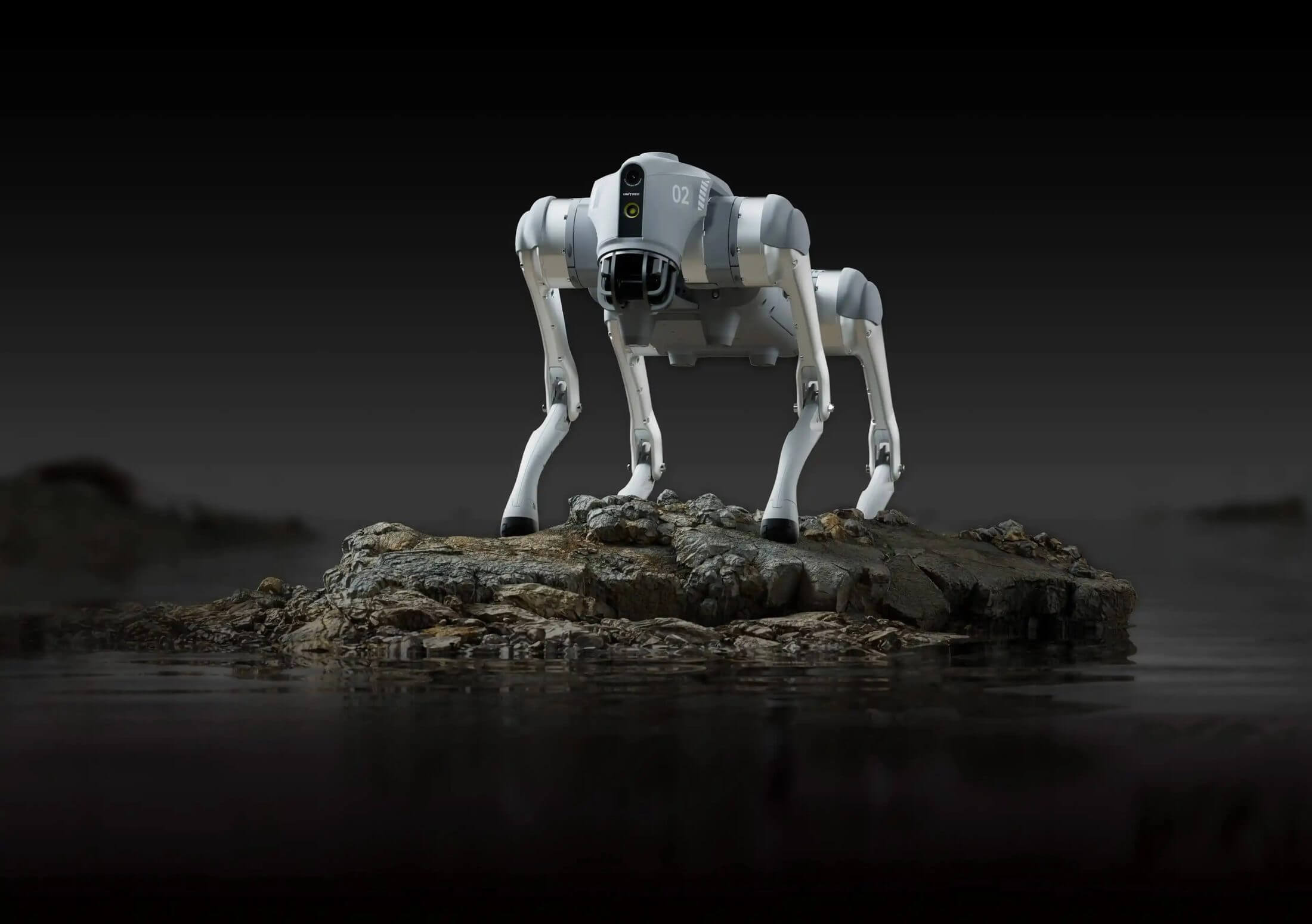
Go2 is a quadruped robot with a wide-angle camera and LiDAR. Control it from your phone, arrange motion sequences, or choose EDU to develop your own locomotion and perception software.
Walk Ahead,
Go2 Follows Beside You
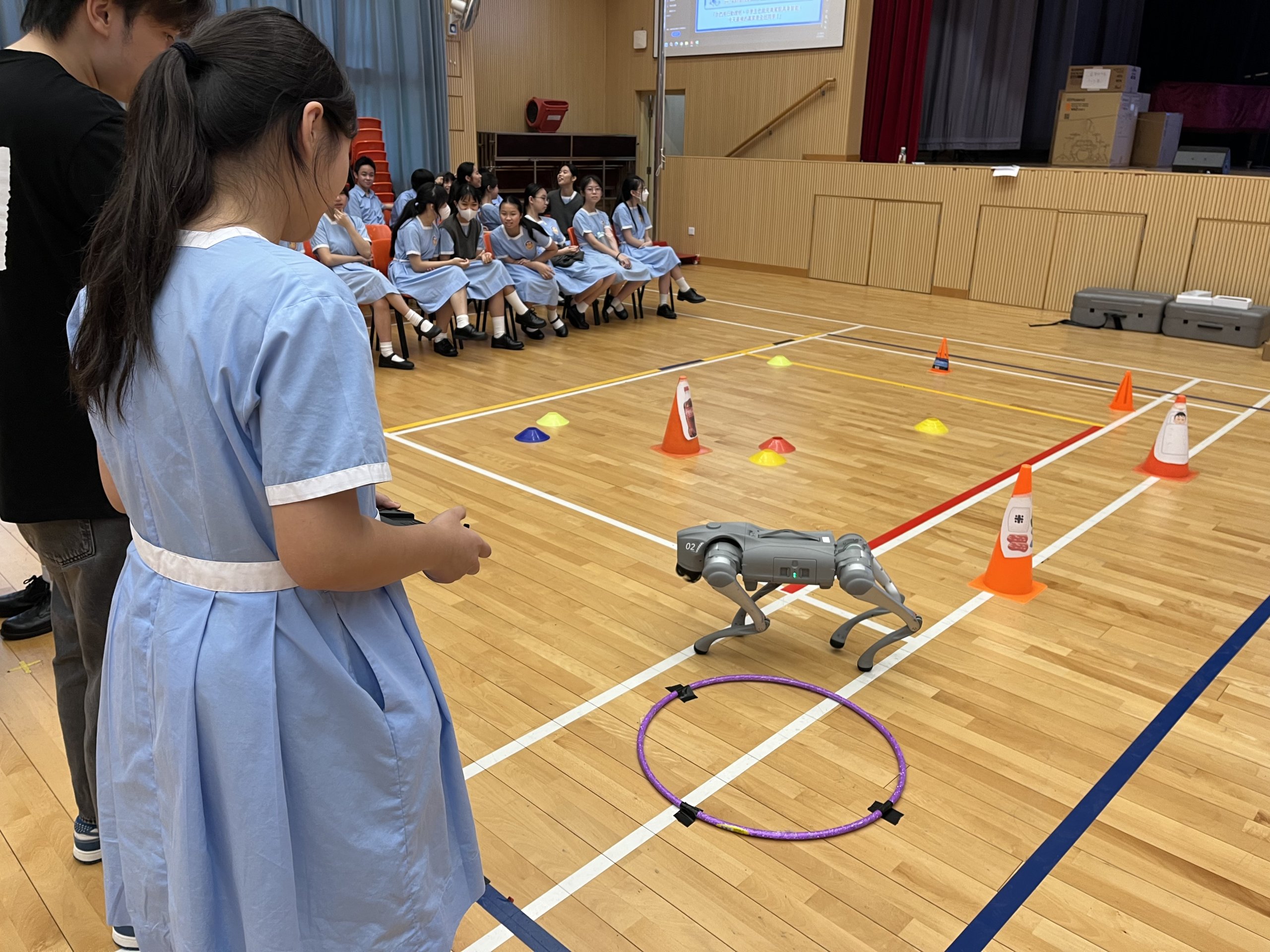
Use the accompanying follow controller to have Go2 walk alongside you, for human–robot interaction demonstrations and lessons in following control.
Side-following is available on PRO, X and EDU. Enable obstacle avoidance when using it.
See What Go2 Sees, on Your Phone
View a live first-person feed from the wide-angle camera as you control Go2. PRO, X and EDU can also create 3D maps of their surroundings.
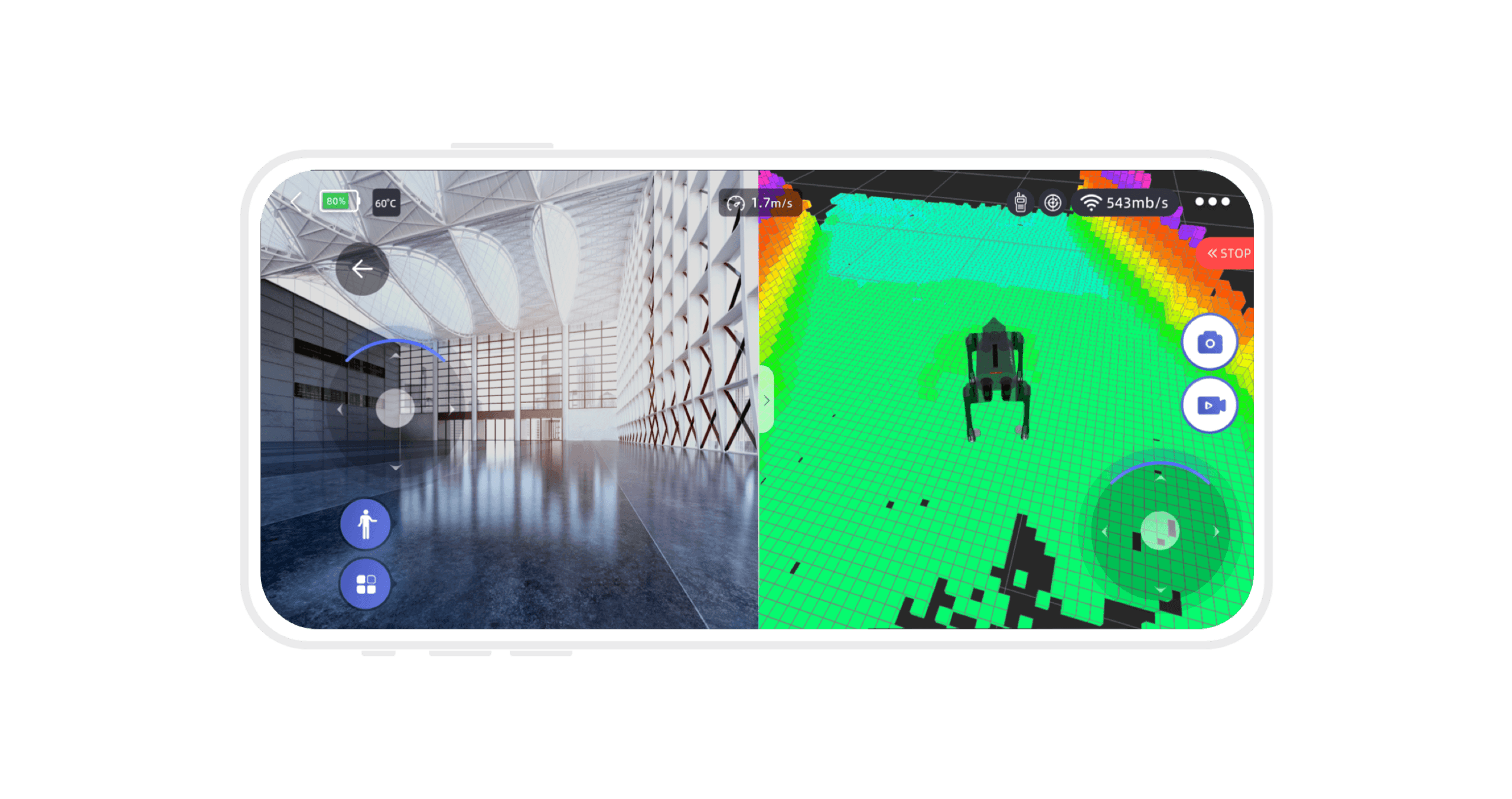
Compare Camera Images with 3D Scans
The camera captures the scene ahead; LiDAR represents surfaces as a 3D point cloud—a spatial shape made up of closely spaced points. Together, they support lessons in vision and environmental perception.
Select a Destination or Set Waypoints
After creating a map, select a destination or save multiple waypoints for Go2 to visit in sequence.
How to Set a Walking Route
On flat ground, map the area using slow, smooth remote-control movements. Save the map, set Go2’s position and orientation, then select a destination. For patrol routes, drive to each location, mark and save the waypoints, then start the patrol. This workflow uses the mapping mode available on PRO, X and EDU.
Use Your Own Code
to Control Go2
Arrange existing movements in the Unitree app, or choose Go2 EDU to write your own programs.
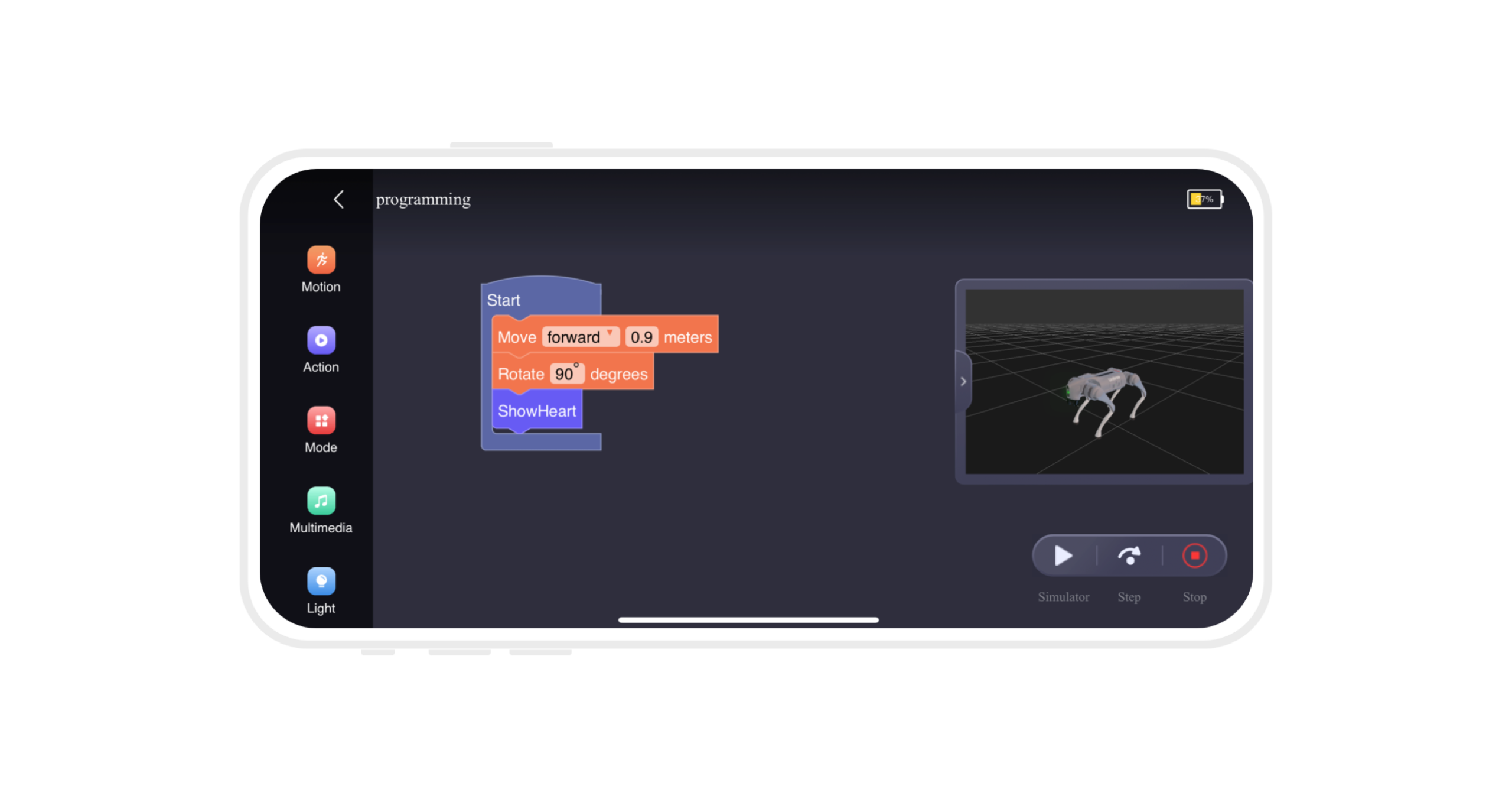
Unitree App | Drag-and-Drop Motion Sequences
Set the order of movements and have Go2 execute them in sequence to practise programming logic. All four versions include Unitree’s graphical programming tools.
Develop Your Own
Control & Perception Software
Program Movement & Motion Sequences
Program standing up, balancing and moving. Set forward, lateral and turning speeds, then test your control software on the robot.
Read Images & Robot State
Read camera images, body orientation and joint positions. The depth camera and foot force sensors also provide distance and foot-contact force data for your perception and control software.
Develop Mapping, Localisation & Goal-Point Navigation
Go2 EDU can be configured with a high-performance computing expansion dock and a MID-360 or XT16 LiDAR purchased through Unitree. Mapping and localisation development services support research into localisation and navigation to target points.
Equipment, Development & Training,
Supported by One Team
As an Official Education and Training Partner of Unitree Robotics, Vinci AI provides Go2 equipment selection, programming tools and instructor training.
Choose Equipment & Control Options
Choose the Go2 version, controllers and expansion hardware for your intended use: smartphone operation, side-following or custom development.
Go2 PRO Block-Based Learning
Vinci’s own block-based programming interface supports Go2 PRO lessons. No programming experience is required: an instructor guides participants through operation, motion sequencing and activity design.
Go2 EDU Development Training
Teams with programming experience practise motion control and sensor-data access, testing in simulation before working with the physical robot. We also provide related custom-development support. Labs can add laptops preconfigured with Python, MuJoCo and NVIDIA Isaac to reduce installation and setup work.
Vinci AI · Partnerships and practical experience
From robotics training to industry exchange

AI for All embodied AI workshop
As one of the delivery organisations for Cyberport’s AI for All initiative, Vinci AI used real robots to introduce participants to embodied AI.
Read the full case study
EDB Hangzhou delegation visit to Unitree
Helped Unitree coordinate the Hong Kong Education Bureau delegation’s Hangzhou visit and introduced robotics technology and applications to education representatives.
Read the full case study
World Physical AI Conference
Led a Hong Kong education delegation to Hangzhou for exchanges with Unitree and embodied AI companies from different regions.
Read the full case study

