R1 AIR
Remote Control & Camera Viewing
Control humanoid movements remotely for demonstrations and introductory hands-on activities.
Ask About R1 AIR on WhatsApp

Official Education and Training Partner of Unitree Robotics
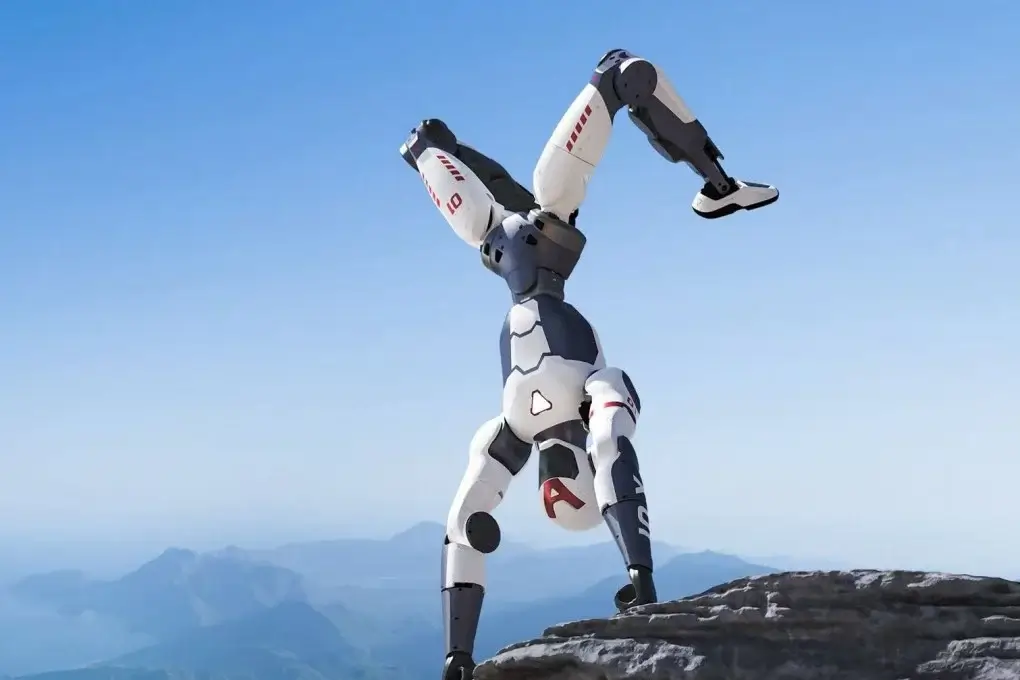
R1 walks, coordinates arm and body movements, and integrates voice and visual AI. R1 EDU opens up programming so you can develop your own motion-control and perception applications.
Buy equipment separately, or add accessories, development and training as needed. You can also ask us for help before choosing a version.
Control humanoid movements remotely for demonstrations and introductory hands-on activities.
Ask About R1 AIR on WhatsAppAdds waist and head joints, with stereo cameras for a wider range of movement demonstrations.
Ask About R1 on WhatsAppSupports custom development, with optional dexterous hands and additional computing for control and manipulation research.
Ask About R1 EDU on WhatsAppWalking, running and limb movements demonstrate R1’s whole-body coordination. Students and teams can use the handheld controller to explore humanoid movement firsthand.
Wake the voice assistant to hold multi-turn conversations with R1, use movement functions and play music. You can also record speech using the handheld controller. An internet connection and voice-assistant mode are required.
Requires firmware 1.9.2.75 or later. Say “Hello Robot” to wake the assistant, or use the handheld controller to record speech.
R1 EDU supports custom programming. Test in simulation, then connect your programs to the real robot and build your application step by step.
Discuss R1 EDU Development Options on WhatsAppRead actual joint states, set target arm angles, and write and test your own movements.
q_current[i] =
  lowstate_->msg_.motor_state().at(JOINT).q();

armsdk_->msg_.motor_cmd().at(JOINT).q(q_des[i]);Connect speech-recognition results to custom interaction workflows, and control the robot’s speech output and audio playback.
subscriber.InitChannel(asr_handler);

client.PlayStream("example", stream_id, chunk);
Vinci AI is the Official Education and Training Partner of Unitree Robotics. We help you choose R1 equipment, develop the motion-control and perception applications you need, and train the team that will use it.

Cyberport · July 2026
Vinci AI | Official Education and Training Partner of Unitree Robotics
An Appointed Service Provider for Cyberport’s AI for All Programme
Vinci AI Founder LP Cheung was invited to the launch ceremony panel to discuss how businesses can support AI for All and AI education. He also exchanged views on embodied intelligence with Professor Sun Dong, Secretary for Innovation, Technology and Industry.
Three Workshops · Two Hours Each · R1 in Every Session
The first intake is full. Arrangements for the second and third intakes will be announced.
Operate Humanoid Movements
20 degrees of freedom and a monocular camera, primarily for remote control and camera viewing.
Ask About R1 AIR on WhatsAppAdd Waist & Head Movement
26 degrees of freedom and stereo cameras. Added waist and head joints allow turning and richer whole-body movements.
Ask About R1 on WhatsAppWrite Your Own Control Programs
Supports custom development, with optional dexterous hands and additional computing. Choose this version for joint-control or manipulation research.
Ask About R1 EDU on WhatsApp| Specification | R1 AIR | R1 | R1 EDU |
|---|---|---|---|
| Use | Operation & Demonstrations | Operation & Demonstrations | Custom development |
| Camera | Monocular | Stereo Cameras | Stereo Cameras |
| Total Degrees of Freedom | 20 | 26 | 26–40, depending on configuration |
| Dexterous hands | — | — | Optional |
| High-Performance Computing Module | — | — | Optional, such as Orin 40–100 TOPS |
| Runtime | Approx. 1 hour | Approx. 1 hour | Approx. 1 hour |
| Weight Including Battery | Approximately 27 kg | Approximately 29 kg | Approximately 29 kg |
Includes a quick-release battery, charger and handheld controller. Add spare batteries for rotation during use.
Approximately one hour of runtime, varying with movement and operating conditions. Dexterous hands and additional computing are EDU options, itemized for your chosen configuration.
Vinci AI · Partnerships and practical experience

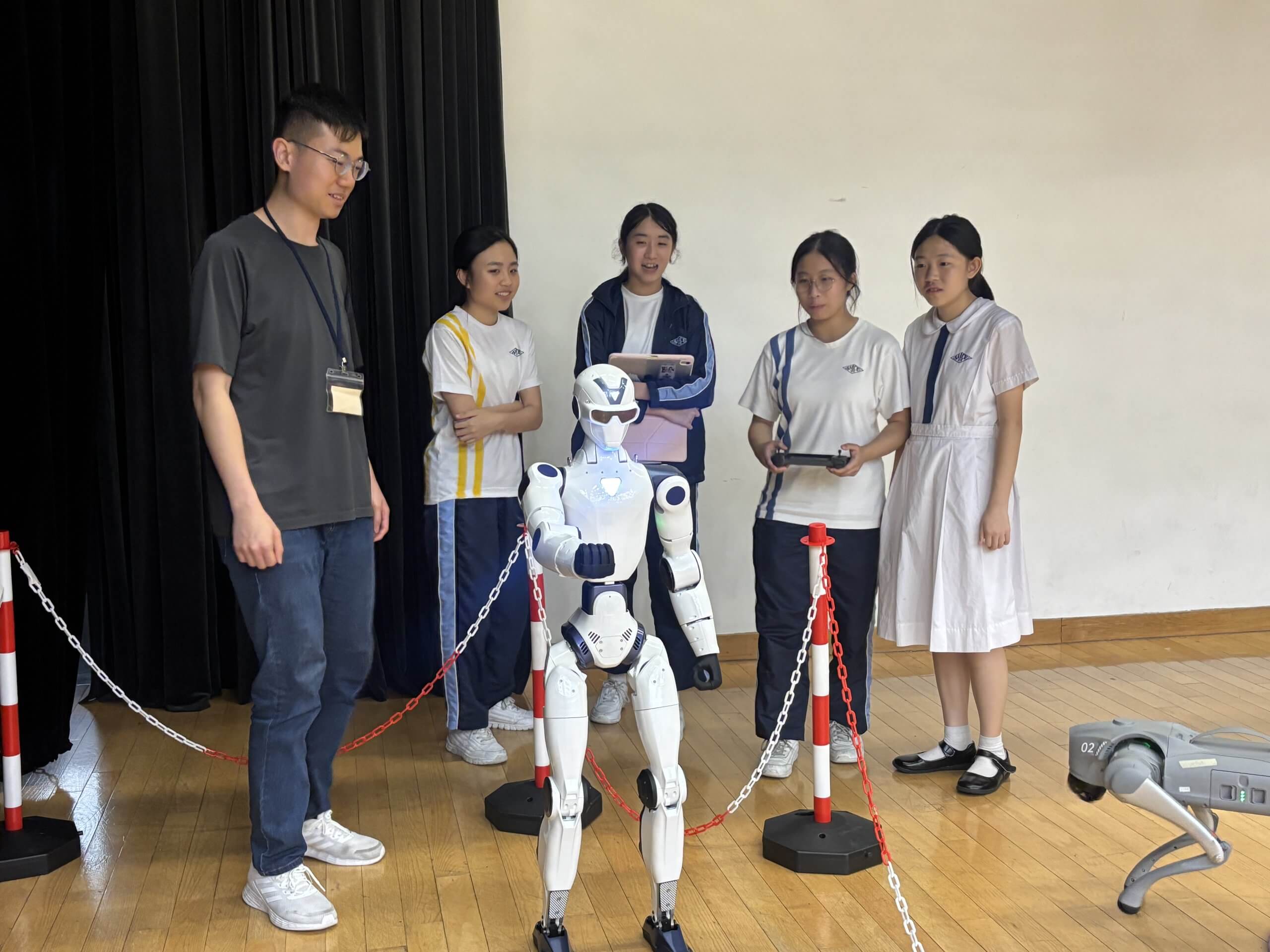
As one of the delivery organisations for Cyberport’s AI for All initiative, Vinci AI used real robots to introduce participants to embodied AI.
Read the full case study
Helped Unitree coordinate the Hong Kong Education Bureau delegation’s Hangzhou visit and introduced robotics technology and applications to education representatives.
Read the full case study
Led a Hong Kong education delegation to Hangzhou for exchanges with Unitree and embodied AI companies from different regions.
Read the full case study

